

Media2URL vs ImageKit
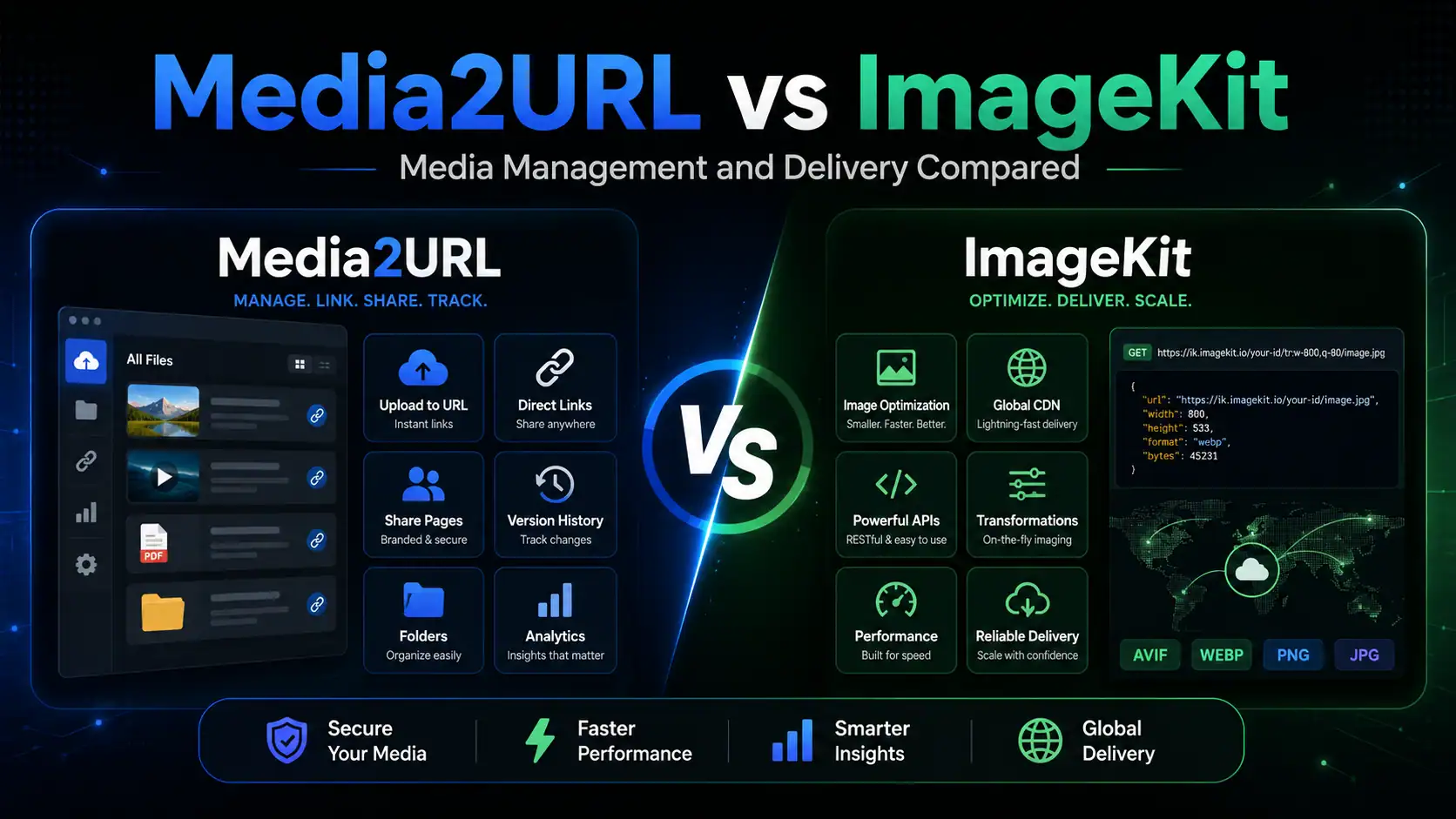
If your bottleneck happens during media delivery, ImageKit has the stronger setup. Applications can request custom dimensions or crops via URL, developers get rich APIs and SDKs, existing cloud storage connects directly, and video delivery extends to adaptive streaming.
Media2URL makes more sense when the challenge centers on file management. Teams can organize assets in visual workspaces, edit supported files, generate direct image URLs or controlled links, and return later to update versions or access permissions.
Both share common ground: ImageKit provides a full visual DAM alongside developer tools, while Media2URL handles supported transformations via URL parameters. The difference lies in how far each product goes in those directions.
| Capability | ImageKit | Media2URL |
|---|---|---|
| Main platform focus | Real time media APIs, delivery infrastructure and AI assisted DAM | Visual media workspace, direct file links and dashboard processing |
| Image transformations through URLs | Extensive resizing and cropping, overlays and AI transformations | Size and crop controls, fit and position, quality and format controls with supported WebP or AVIF output |
| AI capabilities | DAM Agent, AI tagging and visual search, plus generative transformations | No separate AI workflow currently included |
| PDF tools | PDF storage and delivery with supported page or thumbnail extraction | Dedicated PDF workspace for merge and split, page organisation and watermarks, numbering and compression, passwords and metadata |
| Visual image editor | Visual transformation editor with crop and resize, focus controls and AI edits | Layer based editor with adjustments and drawing, shapes and text, plus stickers |
| Team access | Granular permissions for accounts and files, folders and collections | Isolated workspaces with Owner, Admin, Editor and Viewer roles |
| External imports | DAM uploads from supported cloud sources and connected external storage origins | Media Migration from supported URLs or cloud sources, with duplicate checking and source to new URL mapping where available |
Media2URL vs Cloudinary
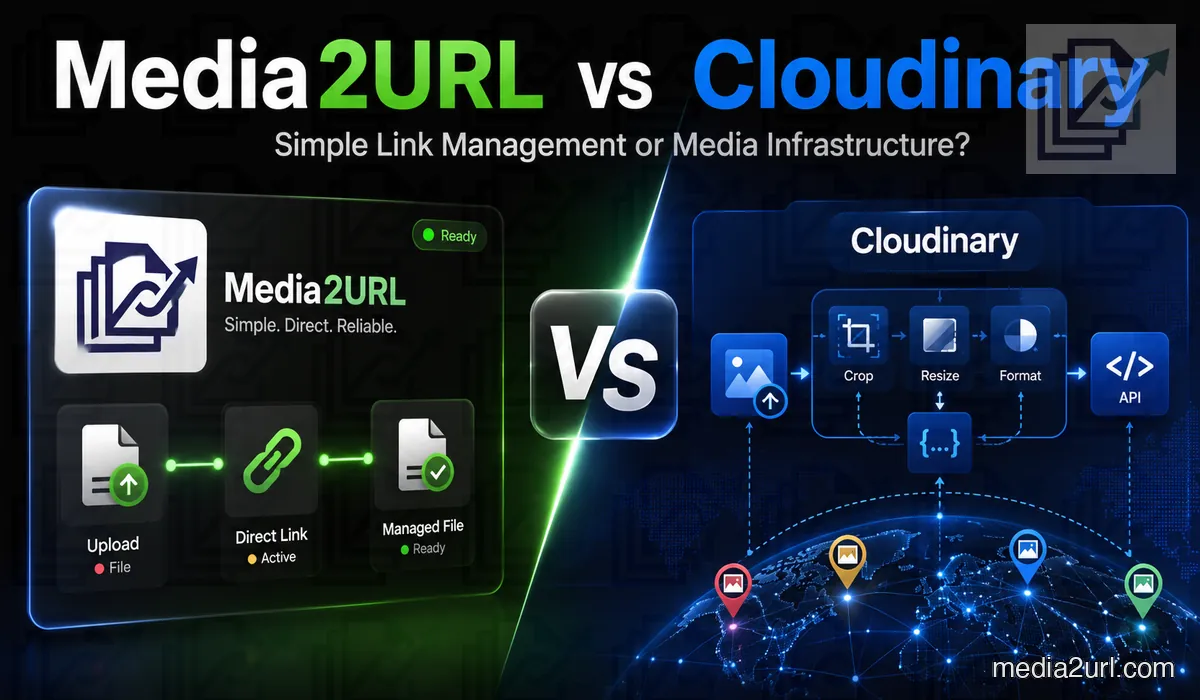
Cloudinary is the deeper platform when media delivery is central to your application infrastructure.
Its APIs, official SDKs, transformation engine, and video delivery give engineering teams extensive control.
I would choose Cloudinary over Media2URL for large-scale ecommerce applications generating thousands of responsive media variations.
Media2URL is better suited for agencies preparing images and PDFs, migrating assets, issuing protected links, and updating files later. For finished clips, Video to Link handles hosting and browser playback.
| Image requirement | Cloudinary | Media2URL |
|---|---|---|
| Automatically decide the important crop area | Advanced gravity and tools that use artificial intelligence | The user selects the crop position manually |
| Choose a modern image format automatically | ✓ Available | The user selects the requested format through the available controls |
| Choose image quality automatically | ✓ Available | The quality value is selected manually |
| Combine many transformation instructions | Extensive | A smaller collection of focused parameters |
| Capability | Cloudinary | Media2URL |
|---|---|---|
| Private media | Private and authenticated delivery types | Private workspace access where supported |
| Working on PDFs | Delivery, page extraction and programmable document workflows | Dedicated visual PDF Workspace with merge, split, page organisation, watermarks, numbering, compression, passwords and metadata |
| Bringing in remote media | Remote URL upload, Fetch delivery, automatic upload mappings and ingestion through developer interfaces | Media Migration from bulk URLs or supported S3 compatible storage, with duplicate checking and old source to new URL mapping where available |
| Adaptive video delivery | ✓ Available | No adaptive streaming; Video to Link hosts finished clips |
Cloudinary's self-service plans run on credits.
Transformations and bandwidth consume credits, with rates varying by asset type.
Estimate your storage, processing, and delivery needs together before picking an allowance.
Google Photos direct links vs Media2URL
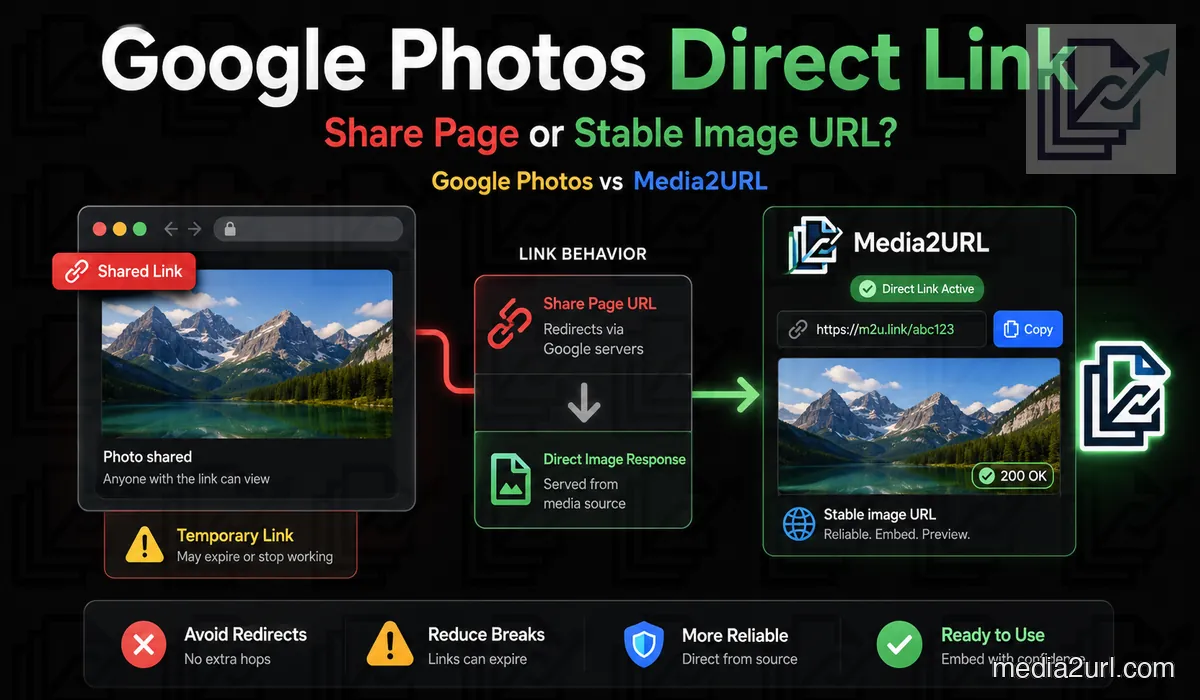
Google Photos sharing is designed for viewing pictures inside its own interface. That works well for sharing personal albums with friends, but it does not meet the requirements of a website serving images on every page load.
Your original photos can stay safely in Google Photos. You can keep using its albums, search, and sharing tools without turning your personal library into a web asset CDN.
When a photo needs to go on a website, download the file you plan to use and upload it to Media2URL.
Media2URL then creates a dedicated hosted version for web delivery. You can organize that file in your workspace and embed it using its direct link.
For standard website embeds, the Media2URL file must have public delivery enabled. A private or password-protected file cannot serve web visitors because browsers will hit access restrictions.
Standard Google Photos sharing links lead to viewer pages. To a migration tool, that is an HTML page rather than the raw media file it needs to fetch.
If you are unsure whether your link points to an actual image, inspect the URL before migrating. Our Google Photos direct link guide covers this in detail.
Media2URL vs Image2URL
Image2URL has grown beyond an anonymous uploader. Its free tier still handles quick tasks, while paid plans add file management, private assets, and higher limits. The platform also offers AI tools, API access, and developer packages.
If your task finishes the moment you get an image link, Image2URL is a practical option. If that asset will later be revised, reorganized, or shared under different access rules, Media2URL keeps those workflows closer to the file.
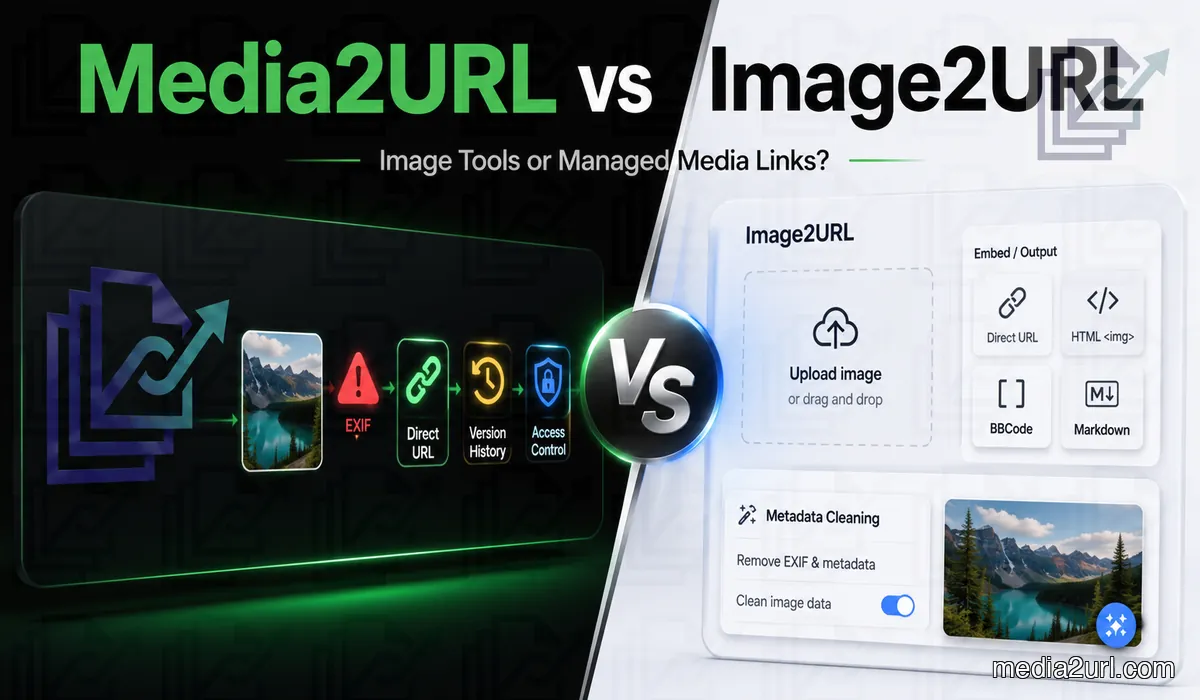
Image2URL offers an external API with API keys, asynchronous processing, and signed webhooks, alongside a CLI, an MCP server, and packages for React, Next.js, and Python.
| Capability | Image2URL | Media2URL |
|---|---|---|
| Metadata privacy | Dedicated cleaner that processes selected images locally in the browser | Upload warning for supported metadata, with visual editing in the workspace |
| Webhooks | Included on Dev | Not currently offered |
File size rules differ by media type. Verify the limit for your specific format, as applying an image limit to video or PDF will give the wrong expectation. Check the current pricing page for storage, batch size, and API allowances before using them in production.
Media2URL vs ImgBB
ImgBB is a convenient choice for simple image hosting. Upload a file, choose optional resizing or expiration, and copy a direct link or forum code. Albums and an upload API cover standard sharing, while Pro adds larger file limits and image replacement.
Media2URL is built for active libraries. Images live in team workspaces, retain permanent URLs across updates, and support access controls and delivery variants. It also supports PDFs, video, GIFs, and audio. For multi-file uploads, Bulk Image Upload delivers per-file results.
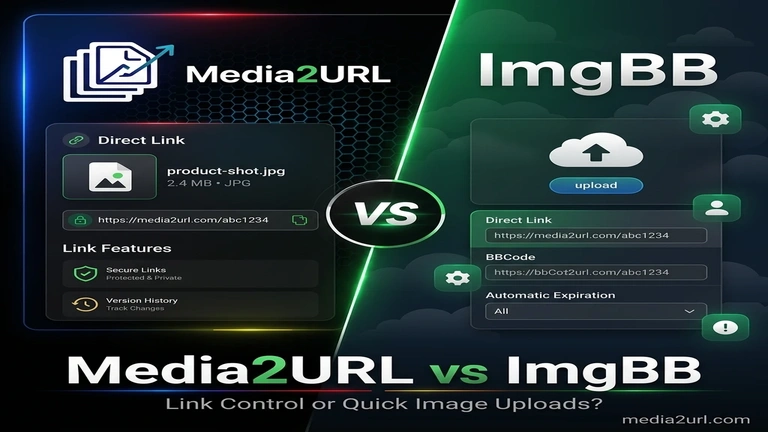
| Workflow | ImgBB | Media2URL |
|---|---|---|
| Links and embeds | Viewer page, direct link, HTML and BBCode | Direct links and configurable share pages |
| Grouping | Public, private link or password protected albums | Nested folders, collections, tags and bookmarks |
| Replacement | Pro feature | File history with supported restoration |
| API | Public image upload API; Pro lists API access | External REST API available; see current API documentation |
Media2URL vs Imgur
Imgur's biggest advantage over standard hosts is its built-in audience. Users can discover your public uploads directly on the platform without needing a link from you.
Its public gallery centers on photos, GIFs, and short clips, with upvoting, comments, and favorites. Public uploads can appear on your profile and in Imgur search results.
Imgur's Hidden option excludes uploads from the public gallery, but does not password-protect or restrict direct access.
Anyone with the URL can still view and download the file. Imgur explicitly states that viewers cannot be prevented from saving images.
The difference is clear when managing updating assets. Instead of uploading a separate file and changing references across your site, Media2URL lets you update the asset while keeping its existing file record and URL intact.
Imgur is not a CDN and prohibits commercial use, including embedding images on business websites or applications.
Imgur's documentation notes that the service is unavailable to users in the United Kingdom due to local regulations, affecting both direct links and embedded media.
Imgur removes old, inactive anonymous uploads that meet its inactivity criteria.
While not all anonymous uploads disappear automatically, files uploaded without an account give you far less control than assets stored in an actively managed workspace.
Media2URL vs Postimages
It is easy to overlook Postimages' Premium image replacement feature. Postimages also provides permanent hosting rather than deleting files after periods of inactivity.
The differences become clear when you need version history, granular team permissions, or responsive delivery variants for websites.
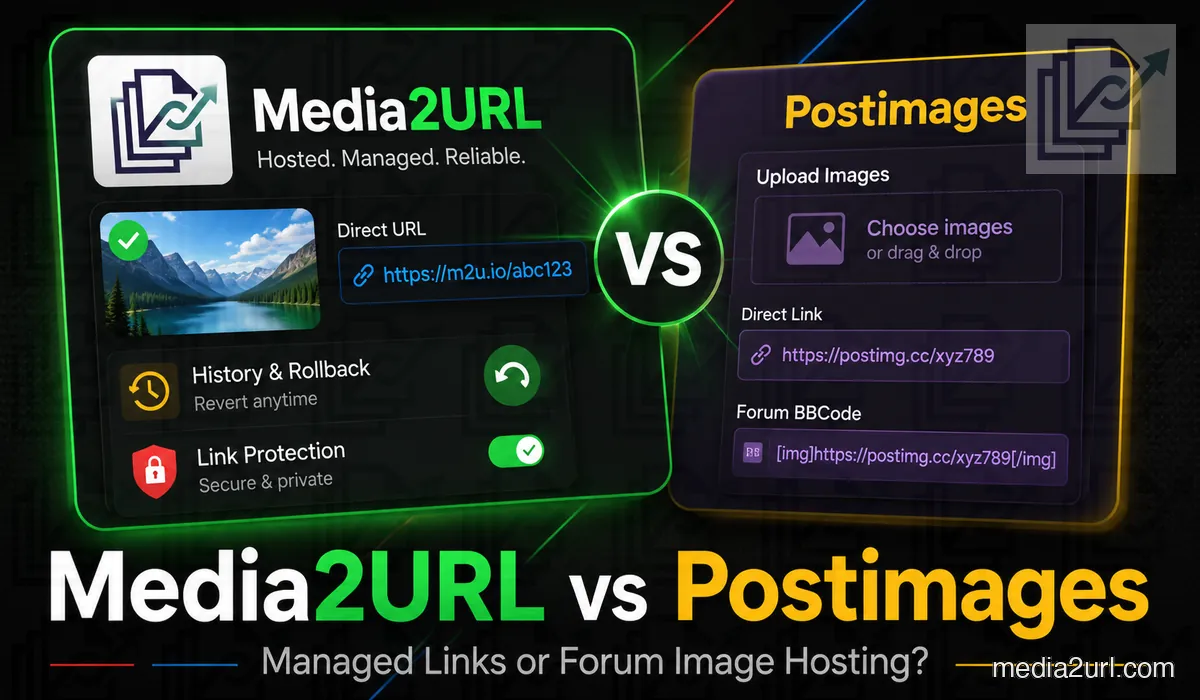
| Requirement | Postimages | Media2URL |
|---|---|---|
| Direct forum sharing | BBCode and supported forum plugins | Direct URLs and BBCode |
| Replacing an image at the same URL | Premium feature | Supported with file history |
| Restoring previous versions | No equivalent timeline documented | Supported version restoration |
| Resizing | Presets selected during upload | Image editor and supported URL transformations |
| Password protection | Not provided in normal image hosting | Available for eligible files |
Postimages caps free hotlinked images at 1280px. Its Premium plan removes this limit, allowing full-resolution embeds.
Postimages preserves EXIF metadata by default, even on anonymous uploads.
Registered users can enable EXIF removal in their account settings, but it is an opt-in toggle rather than an automatic default.
Review Postimages' current API terms and technical requirements before building an integration.
If your Postimages links are live and your assets rarely change, migrating an entire library may add unnecessary work.
Forum admins using Postimages' upload plugin have good reason to keep it, as switching uploaders can disrupt the posting experience for community members.
Media2URL vs PhotoToURL
PhotoToURL includes webhooks on Pro and Premium plans. Media2URL features migration tools, URL transformations, and Link Doctor, but does not provide public webhook automations. Your workflow requirements determine which tool fits best.
PhotoToURL's free plan allows JPG, PNG, WebP, and GIF files up to 2 MB each, with 200 MB storage and 10 uploads per day.
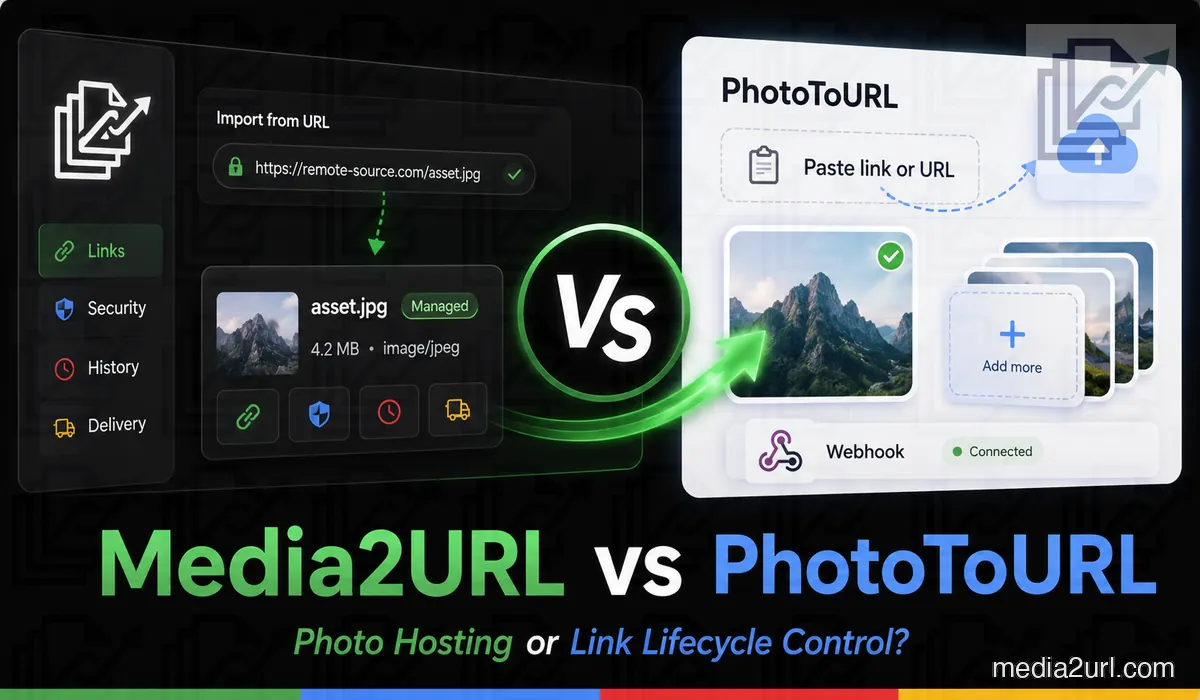
The two upload approaches serve distinct needs. PhotoToURL's local batch tool is handy when files are ready on your computer. Media2URL's migration pipeline imports existing online files directly into a unified library.
Review your actual workflow: how many assets do you upload monthly, are they finalized beforehand, and who needs access?
PhotoToURL provides clear published storage and upload quotas, with paid tiers adding editing, document hosting, permissions, and webhooks.
When migrating a large library, test a small batch first to verify link behavior, formats, and plan quotas before moving everything.
Start with the files you actually use. How many images do you upload each month? Are they normally finished before uploading, or do they receive corrections later? And how often do you need to give another person access to the collection?
PhotoToURL offers clear published allowances for storage and upload volume. Its paid plans also include photo editing, document hosting, resource permissions and webhooks.
If you plan to move a large library, try a smaller collection first. That gives you a chance to check how your existing files behave, how the new links work and whether the available plan can handle your normal usage before you transfer everything.
Media2URL vs Kommodo
If you share a screenshot for a quick one-off review, an expiring Kommodo link works well. Using Screenshot to URL lets you send the image quickly without creating accounts or hoarding clutter.
However, if that screenshot is embedded in live documentation or support guides, you need a stable link and the ability to update the graphic when UI changes.
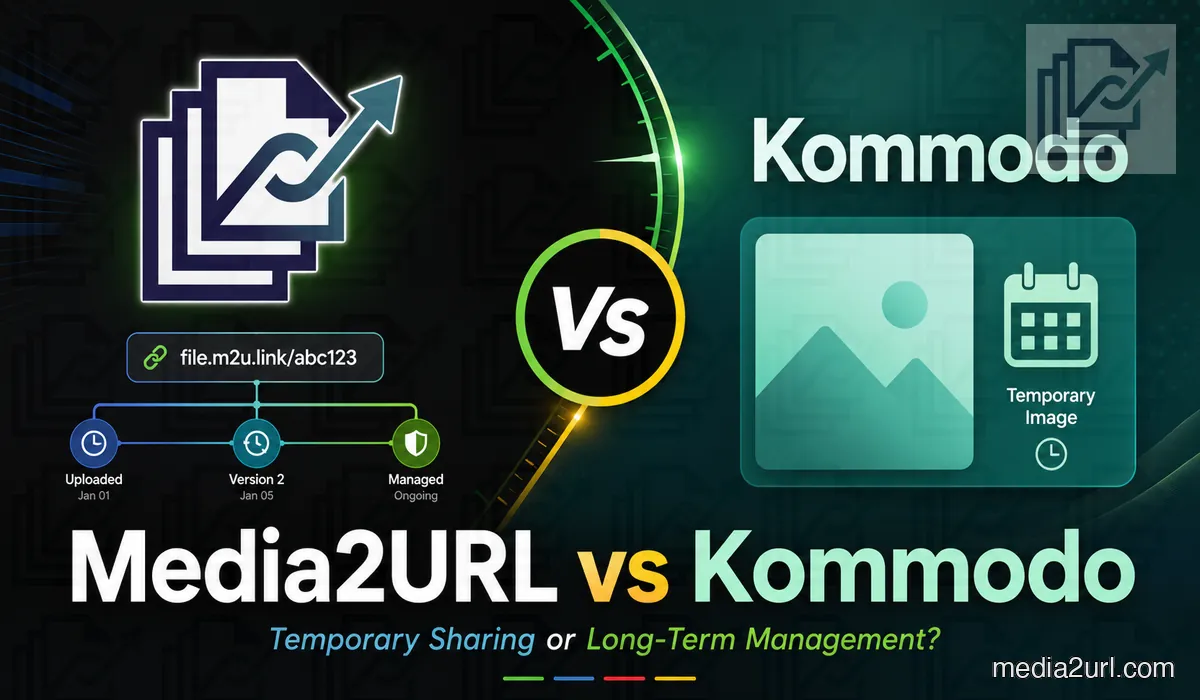
Kommodo is primarily a video recording and walkthrough platform for teams producing product demos and visual guides.
It offers screen capture, video libraries, transcript-based editing, AI summaries, and team collaboration.
Media2URL does not replicate Kommodo's screen recording tools; it focuses on hosting, preparing, and distributing supported digital media files.
Kommodo's 30-day retention automatically deletes old screenshots, saving you from cleaning up expired links manually.
Images over 5 MB are compressed, and images above 4K are resized before hosting.
GIFs are an exception: Kommodo preserves animation without resizing or compression. For dedicated hosting, use GIF to Link.
If you need to keep screenshots uploaded to Kommodo, save original copies locally or move them before links expire.
Kommodo links are unlisted and unindexed by search engines, but anyone with the link can view the image. Treat it as convenient sharing rather than secure confidential storage.
The resulting address is unique, and Kommodo says these image URLs are not indexed by search engines. However, anybody with the correct URL can still open the picture. It should therefore be treated as a link for sharing ordinary images rather than storing confidential information.
Dropbox direct links vs Media2URL
Before creating another hosted file, check if Dropbox's native sharing fits your needs. Dropbox links can open preview pages, trigger downloads, or render supported media directly in browsers.
For occasionally downloaded documents, this is often sufficient. Use File to Link for general files. Supported images can even display in external sites if the application handles Dropbox redirects properly.
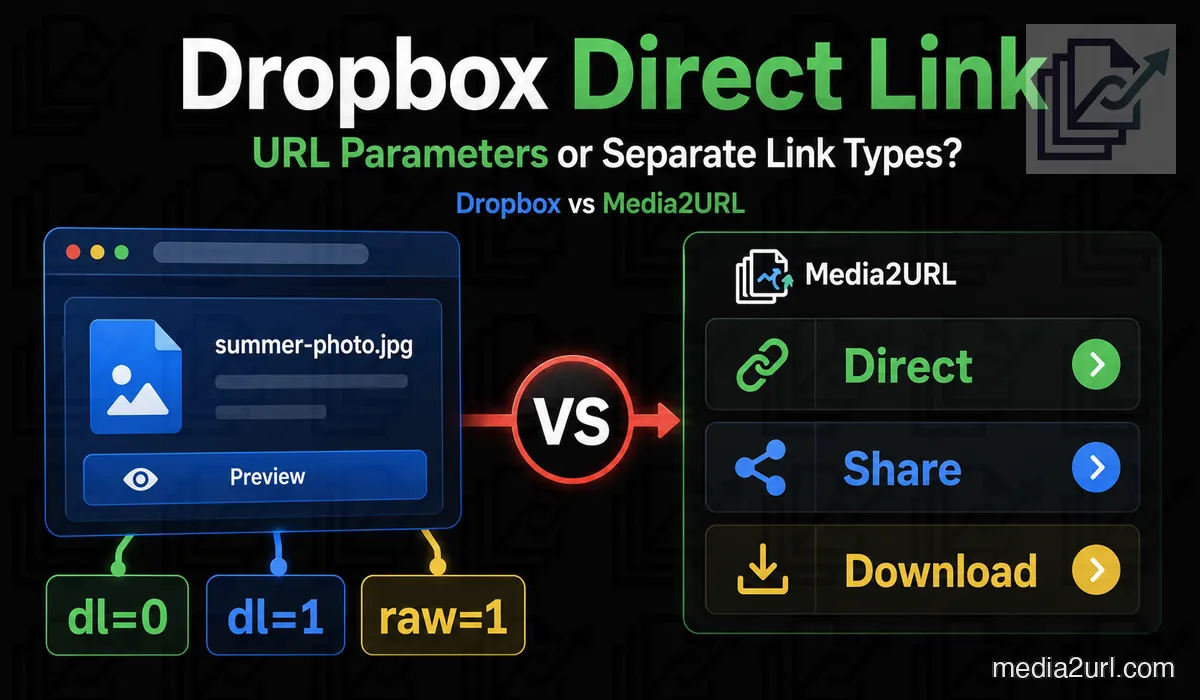
| Feature | Dropbox | Media2URL |
|---|---|---|
| Normal preview | Shared link with dl=0 | Separate share page |
| File download | Shared link with dl=1 | Dedicated download URL |
| Direct media delivery | raw=1 for supported content, with a redirect | Hosted direct file URL |
With Media2URL, imported or uploaded files get dedicated direct URLs that no longer rely on Dropbox's redirect hops.
If an existing Dropbox link fails, diagnose it first with Link Doctor to check response codes, redirect paths, and MIME types. See our Dropbox direct link guide for detailed steps.
Dropbox enforces daily bandwidth limits on shared links. Views and downloads both count toward this cap.
Exceeding your bandwidth limit temporarily pauses file sharing for 24 hours, with longer suspensions for repeat spikes.
Dropbox includes built-in PDF tools for merging, splitting, reordering, rotating, and signing documents.
Dropbox shared links do not host HTML websites. Changing links to raw=1 renders plain files, not full websites. Use HTML to URL to host static web projects.
Appending raw=1 does not override Dropbox file permissions or prevent deletion. If the file is moved or permissions change, the embedded image will break.
Media2URL vs AnyToURL
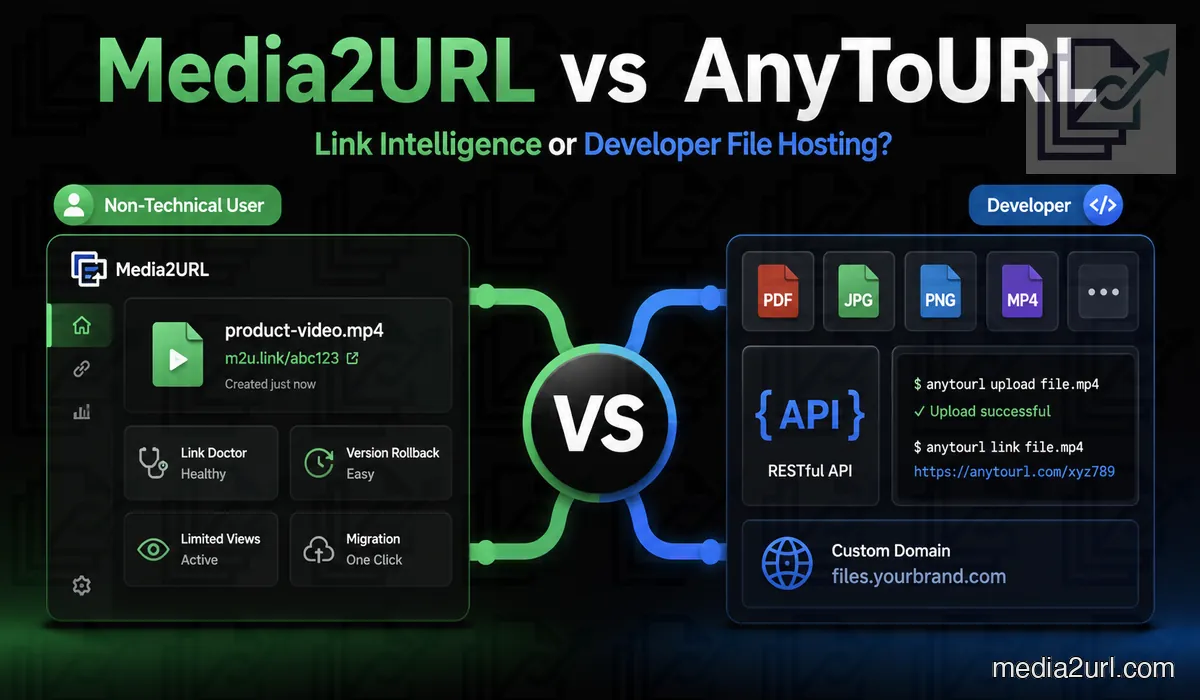
AnyToURL's CLI is appealing for developers working inside terminal workflows.
Its command-line tool uploads single or multiple files, supports wildcard patterns, and handles stdin pipelines with plain URL or JSON output.
This streamlines automated builds: deployment scripts can push files to AnyToURL automatically without manual browser interaction.
While AnyToURL focuses on CLI uploads, Media2URL provides an External REST API for programmatic uploads and asset workflows.
AnyToURL Starter allows files up to 5 MB with 24-hour retention, 1 GB monthly uploads, and 1 GB daily bandwidth.
Free Starter files expire after 24 hours, whereas paid plans offer permanent storage while subscriptions remain active.
AnyToURL Starter allows files up to 5 MB and keeps them online for 24 hours. You also get 1 GB of uploads each month, along with a daily bandwidth allowance of 1 GB.
AnyToURL's official pricing page no longer lists custom domains or branding under its top tier.
Verify current plan capabilities before purchasing specifically for custom domain features.
However, the official pricing page described in the supplied September 2026 review no longer lists custom domains or branding under Ultra.
That doesn't necessarily mean the features have been permanently removed. It does mean I wouldn't purchase the plan specifically for custom domain hosting without checking the current account options.
Media2URL vs PDFToURL
If your PDF is finalized and only needs a public link, PDFToURL's uploader covers the job. It supports standard document formats, needs no account, and advertises persistent URLs.
However, documents that update frequently—like product catalogs or menus—require version management so printed or shared links stay valid after revisions.
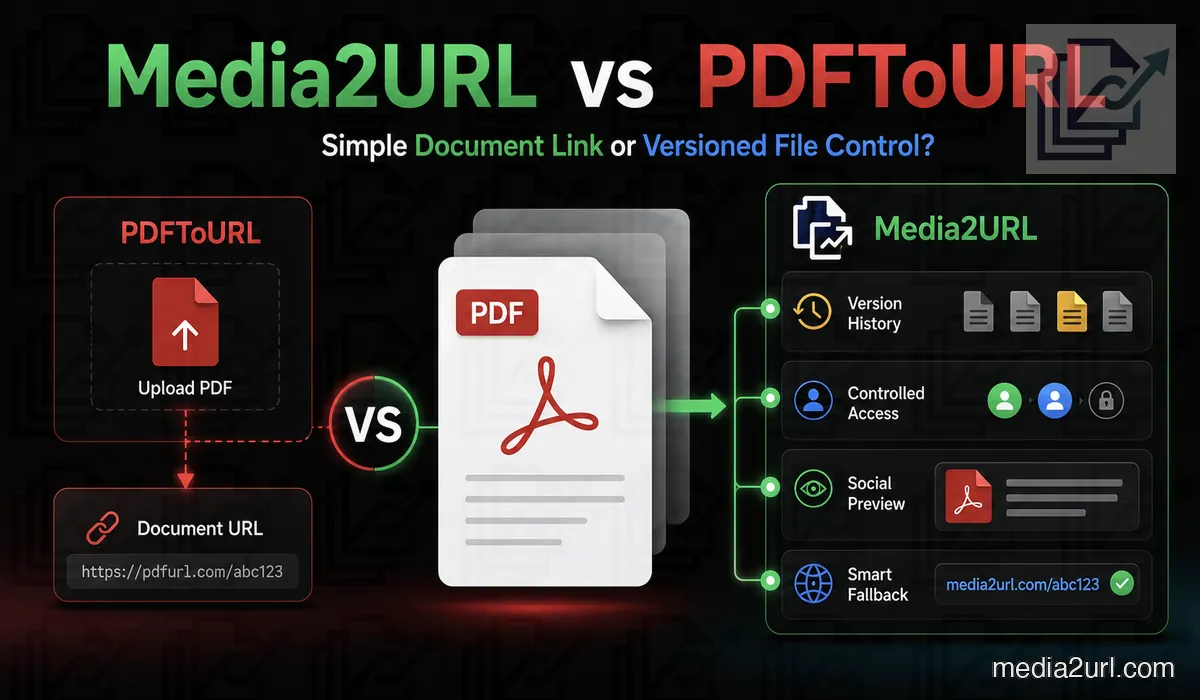
| Feature | PDFToURL | Media2URL |
|---|---|---|
| PDF merging and splitting | Not documented in the standard uploader | Available |
| Page reordering and rotation | Not documented in the standard uploader | Available |
| PDF compression | Not documented in the standard uploader | Available |
| Replace a file without changing its URL | No comparable workflow documented | Available for supported assets |
| Restore earlier file versions | No comparable workflow documented | Supported file history |
| Password protection | Not documented as a standard uploader feature | Available for eligible files |
| Selected link expiry | Not documented as a standard uploader control | Available where supported |
PDFToURL permits anonymous uploads up to 10 MB for single-document sharing.
Use PDF to Link for quick direct URLs, or open the PDF Workspace when you need to merge, split, or edit pages before sharing.
The dedicated PDF to Link page is available for uploading a finished PDF and copying its generated URLs. Use PDF Workspace when the document needs editing before sharing.
Media2URL vs MP3ToURL
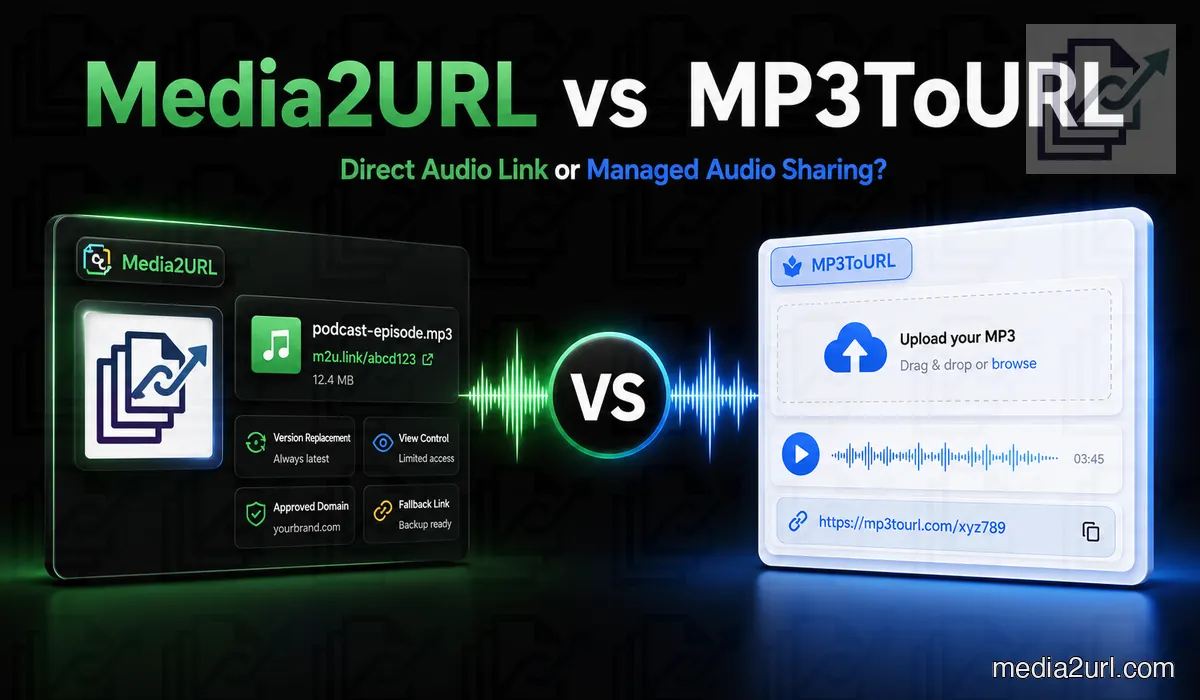
Sharing a quick music demo or sound effect rarely requires heavy file management. MP3ToURL allows no-signup uploads, outputs direct URLs, and provides embed snippets.
Recurring publishing—such as lesson series or audio guides—demands more flexibility. You may need trim tools, format conversion, or version replacement when audio errors are fixed.
| Feature | MP3ToURL | Media2URL |
|---|---|---|
| Direct audio URL | ✓ Available | Available |
| Audio trimming | Not documented as part of the normal hosting workflow | Supported timestamp trimming |
| Audio conversion | Not documented as part of the normal hosting workflow | Supported format conversion |
| Replace audio without changing its URL | No comparable workflow documented | Available for supported assets |
| Extract audio from video | Not documented as a standard audio workflow | Available for supported videos |
MP3ToURL generates direct audio URLs, and Media2URL provides hosted audio delivery via Audio to Link. Verify your podcast host's requirements before using either service for RSS episode enclosures.
A file that plays in desktop browsers may not satisfy all podcast distributors or feed validators.
MP3ToURL's homepage highlights audio uploads up to 100 MB, though its Audio to URL tool displays a 10 MB limit.
Confirm file size limits on the specific uploader interface before attempting uploads above 10 MB.
What stays connected to a Media2URL file
Media2URL pairs direct file delivery with a visual media workspace. You can organize assets in folders, assign team roles, process files, and control link behavior.
- Separate client and internal work through isolated team workspaces with role based access. Team workspaces.
- Edit images and process PDFs, videos, GIFs or audio files inside the same media library. Editing and processing tools.
- Organise assets with nested folders, bookmarks, command search and bulk actions. Media library.
- Import external files in batches and apply public, unlisted, private or access protected by a password. Media Migration.
When an image requires visual adjustments, the Image Editor handles layers and corrections. When you only need different dimensions or crops, URL transformations generate variants dynamically on delivery—eliminating the need to upload separate copies.
Teams can overwrite active files, add version histories, save derivatives, or create standalone assets. Existing Media2URL links remain functional during managed replacements.
If a replacement introduces an error, you can revert to previous versions instantly.
The dashboard tracks share page views and recent download activity, alongside bandwidth and workspace quota analytics.
Insights focuses on high-level engagement rather than granular visitor geographies or referrer tracking.
Password protection, expiration dates, and signed URLs control server-side file access. Once an authorized recipient downloads a file, those controls cannot restrict the copy saved on their local device.
Check the current plan limits before moving a library. For a single file, choose the relevant uploader from the media tools directory.