

Domain ownership check
Activation will require both the TXT token from the dashboard and the CNAME target. Just because you entered your hostname in the form does not mean it is activated.
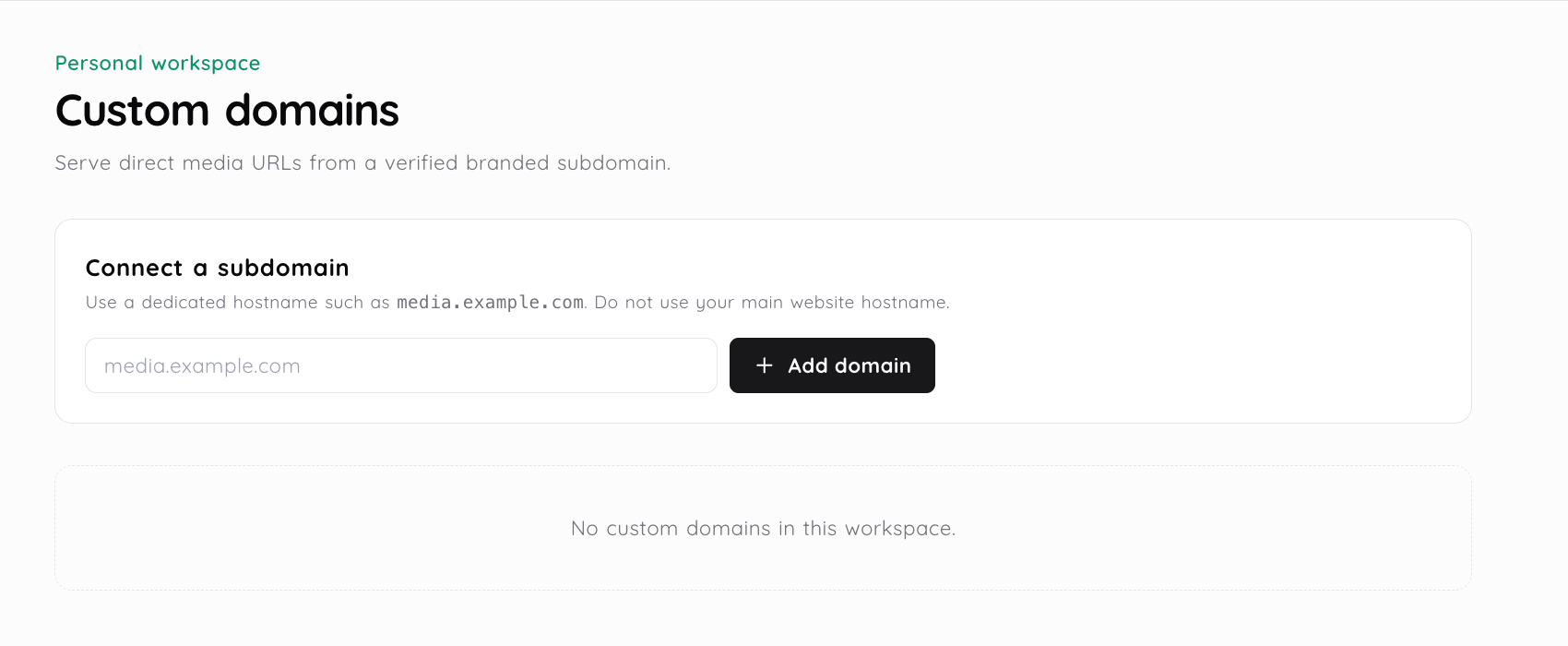
Business workspaces that are eligible for this feature can have a single verified domain or sub-domain connected to their account which will serve as the delivery host name for all supported assets. This is an actual workflow process, however, it is gated by whether your account is eligible to perform these steps. To begin the process, you would first enter the desired hostname into your dashboard. Then, you would need to create and publish the required DNS records. After completing these steps, you would need to verify that you own the domain or sub-domain. Only after successfully verifying your ownership status may the workspace utilize the newly added delivery host name.
The useful detail is what changes after the upload or selection. Follow the steps to see where the file, link and recipient fit together.
The Domain Settings will allow you to enter a legitimate domain name (e.g., media.example.com) that is either a main domain or a sub-domain. At this time, only one domain can be associated with each workspace.
The dashboard provides a TXT verification record at _media2url-verify and a CNAME target. Create these two records with your domain provider.
Go back to your dashboard and verify. Your service will check the TXT token and CNAME before marking the hostname as active.
When you have an active and eligible plan, you will be able to provide new supported workspace delivery URLs using your verified hostname. Your current default links will not automatically become rewritten.
A custom domain is what is used as a public hostname for eligible delivery. The custom domain does not affect how the assets are managed in the workspace, how private the assets are, when assets expire, or what types of files can be uploaded to the workspace.
Activation will require both the TXT token from the dashboard and the CNAME target. Just because you entered your hostname in the form does not mean it is activated.
The active domain will be set as the correct matching personal or team workspace. Assets created on other workspaces are not automatically assigned this same hostname.
The use of supported direct media URLs is dependent upon the verification of the active delivery hostname. Output results are based on the asset and file type.
A branded hostname will not guarantee that your asset remains private or for as long as you wish. Continue to utilize the separate visibility, password, expiry, download and disable link controls.

An agency could utilize a media subdomain that is recognizable by the client when delivering a proposal as a PDF file, providing an image preview or download links.
A product team may maintain their supported images and downloadables with an identifiable asset hostname, while maintaining control over these assets within the Media2URL environment.
The existing plan structure allows for only a single verified custom delivery domain per business plan. If you are using a plan that does not have this feature enabled, the system will prevent you from continuing with your domain work flow.
The TXT verification record can be found on your dashboard under _media2url-verify and the CNAME target is provided for the hostname. Once you have added the records listed in those locations, you can perform verification.
No, it changes the hostname that will be used to deliver applicable content. When you need to restrict who can see or use the asset, use the asset's visibility, password and expiration controls.
The present workflow will not guarantee that all default URLs currently in use are being re-written. Review the output from your current active workspace and provide a link to the dashboard's URL.
Use a related page when the next step needs a different file type, workspace control or sharing mode.
Product controls and plan availability can change. The active dashboard remains the source of truth for your account.