

Google Photos Direct Link: Can You Use It as a Permanent Image URL?

Quick answer
A Google Photos sharing link usually opens a viewing page, so it is unsuitable as a permanent image source for HTML or Markdown. Photos API media URLs are temporary, and copied internal image addresses have no documented permanent hosting guarantee. Keep the original in Google Photos and host a separate web copy you have permission to publish.
In this article16 sections · Jump to what you need
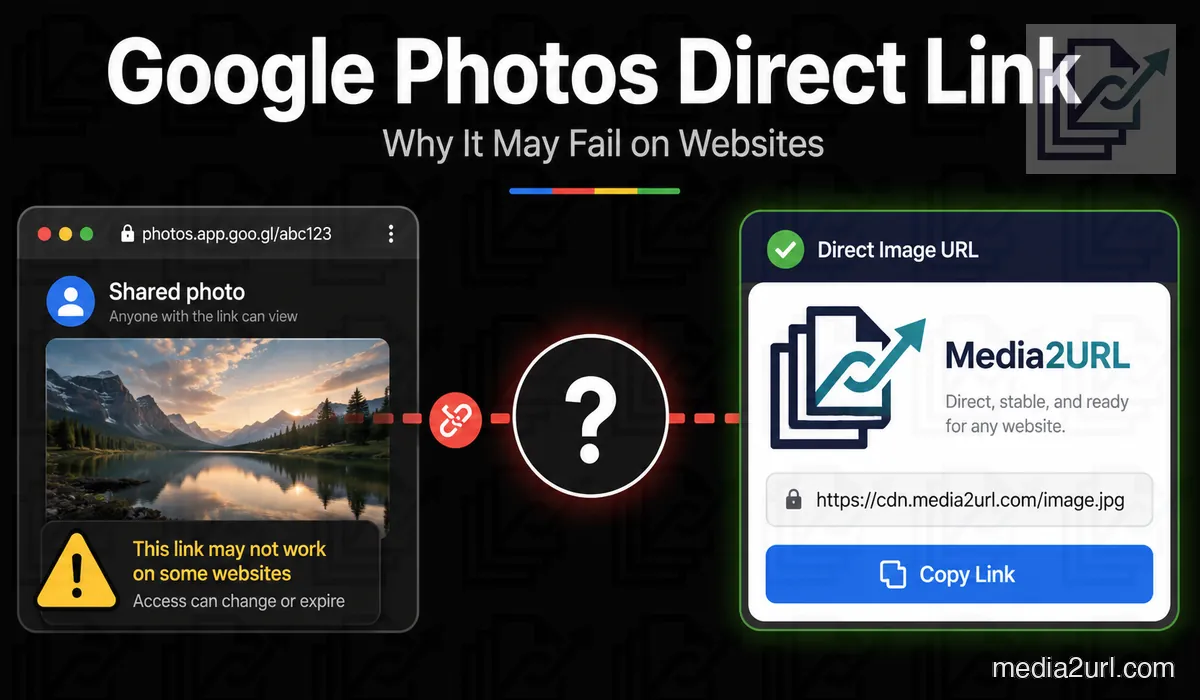
A Google Photos share link is ideal for sending a photo to someone else. However, that same share link will not work if you try to use it as an image source in an HTML image tag, Markdown document or with a website building tool. This is because a typical Google Photos share link provides the viewer with the full Google Photos viewing experience, not simply a direct download of the image.
Google Photos can help you create a personalized photo library and share photos or albums with others. However, the standard sharing process is not set up to give you direct URL links to raw images that you can use on external sites. Additionally, Google's policy regarding its Photos API states that it cannot be used to host images on your website, nor can it serve as an alternative to large-scale Content Delivery Networks (CDNs).
If a photograph you own needs to stay inside a website, a cleaner setup is to keep the original in Google Photos and create a separate hosted copy for the web. The personal library and the website copy then serve different purposes.
Why a Google Photos link does not work inside an image field
A Google Photos sharing URL can look like a normal web address:
https://photos.app.goo.gl/example
Opening that address takes you into Google Photos. An HTML <img> element wants something other than a photo viewing page. The address used within the src attribute needs to provide the image itself and not a web page that contains the photo.
<img src="DIRECT_IMAGE_URL" alt="Photo">
If the URL provides HTML and not image data, the browser will not be able to use the provided response as the image requested. This explains why a Google Photos sharing link may be perfectly good for sharing but completely incorrect as an image embedding link.
What Google Photos sharing links are meant for
Google Photos sharing links make sense when another person needs to view the photograph through Google Photos. You might send family photos to relatives, share an event album or let someone open a group of selected images without sending every file separately.
That is different from using the photograph as part of a website. A website image needs a file delivery address that the browser can request whenever the page loads, while a Google Photos share link is primarily part of Google's sharing experience.
Link sharing also means the URL can travel beyond the first recipient. Google notes that people with access to a shared link can view the shared content, and the owner can later turn link sharing off when that access should stop.
Why a copied Google Photos image address is risky for long term use
Sometimes when you open a photo in Google Photos and copy its image address, you will get what appears to be a direct URL. However, not every Google delivery URL you copy will be a documented long-term hosting address.
Media baseUrl values provided through Google Photos APIs are valid for 60 minutes. Picker API URLs can also stop working sooner when the required permission is revoked, and current Picker API media requests require valid authorization.
While a copied internal URL may function differently, it also should not be considered a documented permanent website hosting endpoint.
[!IMPORTANT] Google documents Photos API media baseUrl values as temporary URLs with a 60-minute lifetime. A browser copied Google image address is not automatically the same thing as an API baseUrl, but neither should it be assumed to be a supported permanent hosting URL.
Google Photos link types
| Link type | What it actually does |
|---|---|
| Google Photos sharing link | Opens shared content through the Google Photos experience |
| Album link | Lets people view the shared album under its current sharing settings |
| Copied internal image address | May return an image but is not a documented permanent hosting endpoint |
| Photos API baseUrl | Gives temporary media access and currently lasts 60 minutes |
| Direct hosted image URL | Returns the hosted image for normal website use while that asset remains available |
The important difference is not how the URL looks. It is what the server returns when another website requests it.
A Google Photos image can appear to work during your own test
If you copy a Google Photo image link and paste it onto another site, it should display fine. You're logged into Google, so the image is loaded into your browser and everything appears to be functioning properly. When another user views that same page on their computer/phone, they see an empty space where the photo would be. It's impossible to know if the image link works for all users without viewing the page using a non-logged-in browser.
Test the copied link without your Google session
Open the copied URL in an incognito or private browsing mode that does not have your Google account active.
Open the copied address in a private browser window where you are not signed in to Google. The URL is currently serving media if only the image loads, however this is not indicative of future availability. A Google Photos page loading indicates that the URL is leading to a viewable version. When asked to sign-in, anonymous visitors will be prevented from accessing the content.
Link Doctor can verify status, redirect information, and determine the final content type, allowing you to examine behaviors beyond what can be observed within your browser.
Can you change a Google Photos URL to make it direct?
Some tutorials suggest copying a googleusercontent.com address and changing the parameters at the end. Google documents some of the parameters (width, height, crop) for using baseUrl values in its Photos APIs; however, all baseUrl values will expire after one hour. While a URL rewrite technique may work now, there is no guarantee that it will continue to function in the long term.
If the photograph is part of a business website, documentation page or product catalogue, the safer workflow is to host a copy through a service that intentionally provides direct website media links.
A cleaner workflow for a website image
Keep the original image within Google Photos if it's where you store your personal images. To display the same image on a web page, download/export your own copy of the image and then upload this copy to Media2URL. After uploading is complete, use the direct image URL instead of the share page when providing an image source to an HTML input field or Markdown document.
<img src="PASTE_YOUR_MEDIA2URL_IMAGE_URL_HERE" alt="Photo description">
If the website needs another image size
In order to use the same photo with a different size, you don't need to re-upload the same photo again. You can create a request for a new size, cropping area or image quality using URL transformations for any Media2URL supported photos. The source photo will remain in your library. WebP or AVIF can also be used for eligible outputs. The Image Editor is still the better choice when the photograph itself needs a visual change such as text, drawing or another content edit.
Can Media2URL import a Google Photos link?
Media Migration can work with supported public source URLs, but it should be noted that Media Migration cannot access private Google Photos content, so you must always download and upload normally. Never enter your Google password into an external file hosting form simply to make a private photo import work.
What Link Doctor can tell you about the copied URL
When an embedded image doesn't work, it doesn't necessarily mean the image isn't available anymore. In many cases, the image may still be found at a working URL, but when you attempt to access that URL, it provides a different type of data than what you need (e.g., HTML vs. Image) for the area in which you're attempting to display the image.
Link Doctor will follow all redirections and report back with the final HTTP status code and content-type so that you can determine if the URL is providing an image MIME type, or if it is providing an HTML page. CORS information can also help when the image is being loaded through browser scripts or a tool built around a canvas. Link Doctor cannot make restricted Google Photos content public; it only helps explain what the reachable URL is doing.
Google Photos and Media2URL solve different problems
For the product choice and trade offs, compare Google Photos with Media2URL.
| Requirement | Google Photos | Media2URL |
|---|---|---|
| Personal photo library | One of its main purposes | Not the main purpose |
| Share photos or albums with people | Built for this workflow | Individual hosted file sharing |
| Direct image URL for HTML or Markdown | Not the normal sharing output | Available for supported hosted images |
| Image variants for website layouts | API base URLs are temporary | Supported URL transformations |
| Replace a published hosted asset | Different product model | Supported replacement workflow |
| Restore an earlier hosted version | Different photo library workflow | File history where supported |
| Restricted file sharing | Google Photos sharing controls | Password, expiry and other supported access controls |
| Diagnose an external media URL | No dedicated external link workflow | Link Doctor |
Keep the original photograph in Google Photos
Using Media2URL for website copy does not mean that you should move your private photo collection out of Google Photos. You can still store your photos on your computer or device and back them up to Google Photos as usual; however, you will need to upload a copy of each photo to Media2URL if you wish to use it in a website.
Since these two platforms have different functions, storing the photos in their respective locations will be much easier than trying to get a private photo sharing link to function as a website host.
Can people reshare the Google Photos link?
Yes. A Google Photos link is meant for sharing, so you should assume that someone who receives the URL can pass it to another person while link sharing remains enabled. Turning off sharing can stop future access through that shared link, but it cannot remove a copy that somebody has already downloaded or saved.
Final answer
Google Photos has a regular sharing link that works well when you want to show someone your pictures or albums. However, this type of link is not meant to be used as a long-term direct image URL in HTML, Markdown, or on a website embed.
The URLs generated by the Photos API are short-lived (60 minutes), so they are not a viable alternative to hosting media on your own site. If a photograph you own needs a long term web copy, keep the original in Google Photos and host a separate copy through a service designed to provide direct media URLs. That gives the website its own delivery workflow without turning your personal Google Photos library into the website's image host.
Frequently Asked Questions
Can a Google Photos sharing link work inside an HTML image tag?
When you use a standard Google Photos link for sharing, it will display the photo in your browser's viewing area, but will not return a direct URL to the image file, which is required by the HTML img tag to show the image on your website.
Are Google Photos API base URLs permanent?
No. The Google Photos API media baseUrl is documented to last for 60 minutes, and the Picker API URLs can cease to work earlier than that if user permissions expire.
Can I use an lh3.googleusercontent.com URL as a permanent image link?
While a copied Google delivery URL can be used for temporary testing, there is no official documentation stating that this method will provide long-term website hosting.
Can I change the width or height in a Google Photos URL?
Parameters can change width, height, and crop on API media base URLs, but they can't change the 60 minute expiration time.
Can Media2URL import a private Google Photos image?
You cannot use Media2URL to bypass a user's login for their personal Google account. Download your own photos and then upload those photos through normal channels.
Does uploading a copy to Media2URL remove the original from Google Photos?
No. Uploading a copy of your webpage to Media2URL will not delete, alter or remove the image you have on Google Photos.
Should I keep using Google Photos after creating a web copy?
Yes, continue to use Google Photos as your personal photo library, and only use a different version of that photo library (hosted elsewhere) to create publicly viewable web embeds.